




op48dev
op48dev Wallet: Best Wallet to Store, Send & Use op48dev (2026 Guide)
Download the best Opus 4.8 The Dev wallet to store, send, and use Opus 4.8 The Dev. Learn how to create a Opus 4.8 The Dev wallet, access DApps, and manage your Opus 4.8 The Dev securely.
FAQ
Questions, answered.
Is op48dev wallet safe?
Yes, when using a reputable non-custodial wallet like Bitget Wallet, your security is significantly enhanced. You hold your own private keys, ensuring you have sole control over your assets. Additionally, Bitget Wallet utilizes advanced encryption and a 300 million USD user protection fund to mitigate risks associated with the EVM ecosystem.
How to get an op48dev wallet address?
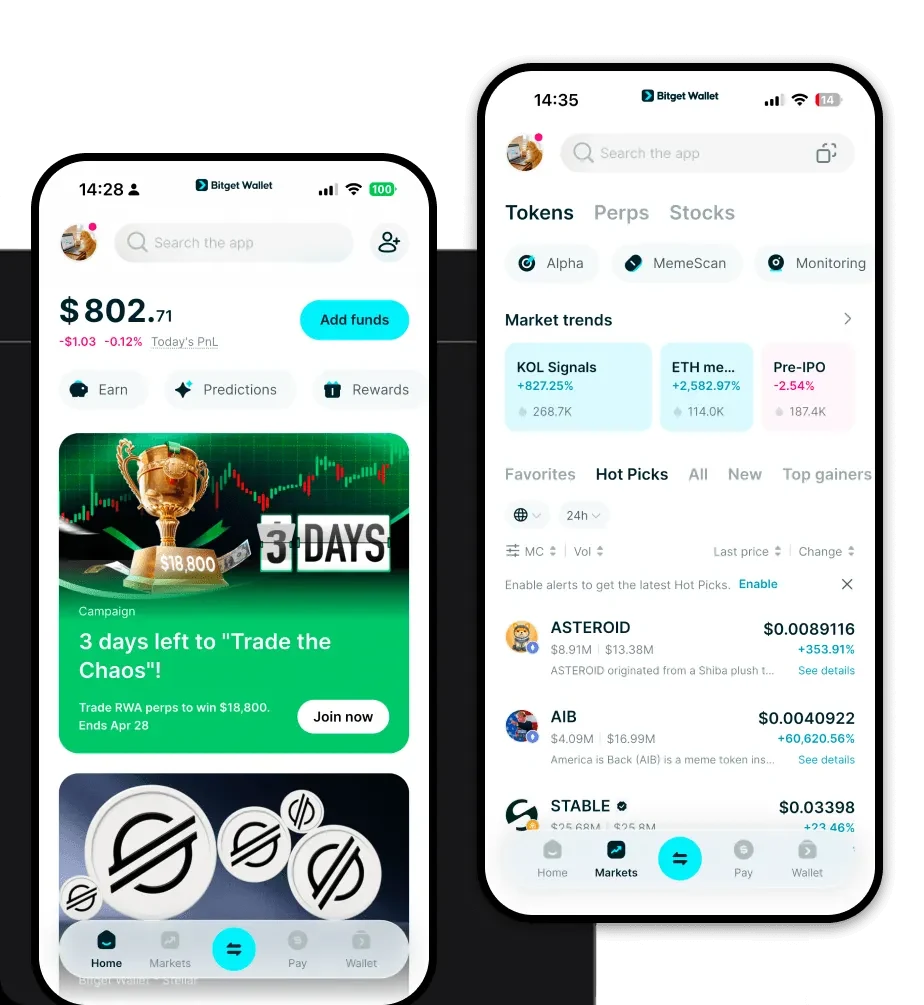
Once you have set up your Bitget Wallet, your wallet address is automatically generated. You can find it by opening the app, selecting the EVM network (Ethereum), and tapping the 'Receive' button. This string of alphanumeric characters is your op48dev wallet address, which you can use to receive tokens.
Can I store op48dev on Bitget Wallet?
Yes, you can store op48dev on Bitget Wallet. As an EVM-compatible token, op48dev is fully supported. Simply add the token using its specific contract address within the 'Asset' management section of the wallet to track your holdings and manage your transactions.

About us
Bitget Wallet X
Products

About us
Products
Bitget Wallet X