




rockstar
Rockstar Wallet: Best Wallet to Store, Send & Use Rockstar (2026 Guide)
Baixe a melhor carteira Rockstar Games para guardar, enviar e utilizar Rockstar Games. Aprenda a criar uma carteira Rockstar Games, a acessar DApps e a gerenciar seus Rockstar Games com segurança.
Perguntas frequentes
Perguntas e respostas.
Is Rockstar wallet safe?
Yes, security is a priority. When you use Bitget Wallet to store your Rockstar tokens, you are using a self-custodial wallet, meaning you hold your own private keys. Additionally, Bitget provides a 300 million USD user protection fund to safeguard users against unforeseen security threats, making it one of the most reliable options for meme token holders.
How to get a Rockstar wallet address?
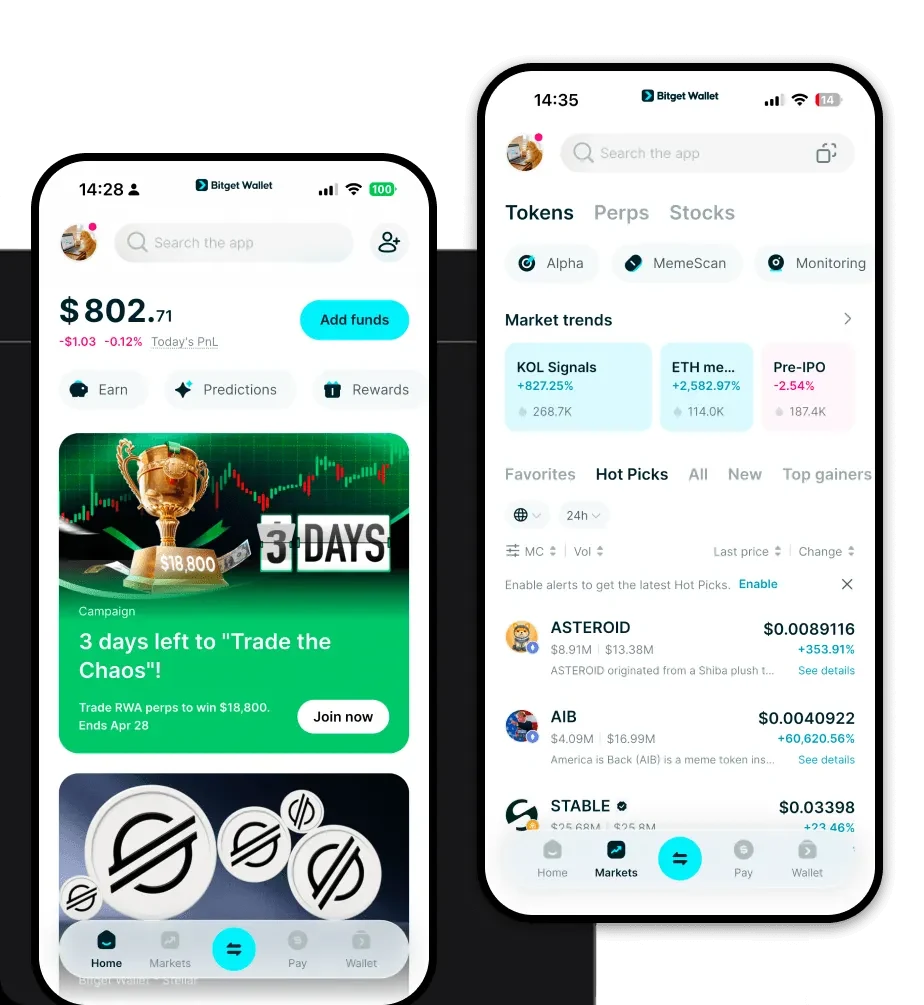
To get your Rockstar wallet address, simply download and set up Bitget Wallet. Once your wallet is created, click on the 'Receive' button on the main dashboard. Select the relevant EVM network (such as Ethereum or a Layer 2), and your unique wallet address will be displayed. You can copy this address to receive Rockstar tokens from others or from an exchange.
Can I store Rockstar on Bitget Wallet?
Absolutely. Bitget Wallet fully supports EVM-based tokens, including Rockstar. Because it is an EVM-compatible wallet, it recognizes the token contract, allowing you to store, track the value of, and trade your Rockstar holdings with ease within a single, unified interface.

Sobre nós
Products

Sobre nós
Products