




pwengu
Pwengu Wallet: Best Wallet to Store, Send & Use Pwengu (2026 Guide)
Scarica il miglior portafoglio di Pwengu per conservare, inviare e utilizzare Pwengu. Scopri come creare un portafoglio di Pwengu, accedere alle dApp e gestire i tuoi Pwengu in modo sicuro.
FAQ
Domande e risposte.
Is Pwengu wallet safe?
Yes, using Bitget Wallet for your Pwengu is highly secure. The wallet is non-custodial, meaning you maintain sole control over your private keys. Additionally, Bitget employs industry-leading security protocols and maintains a 300 million USD user protection fund to mitigate risks, ensuring your assets are shielded from common security threats.
How to get a Pwengu wallet address?
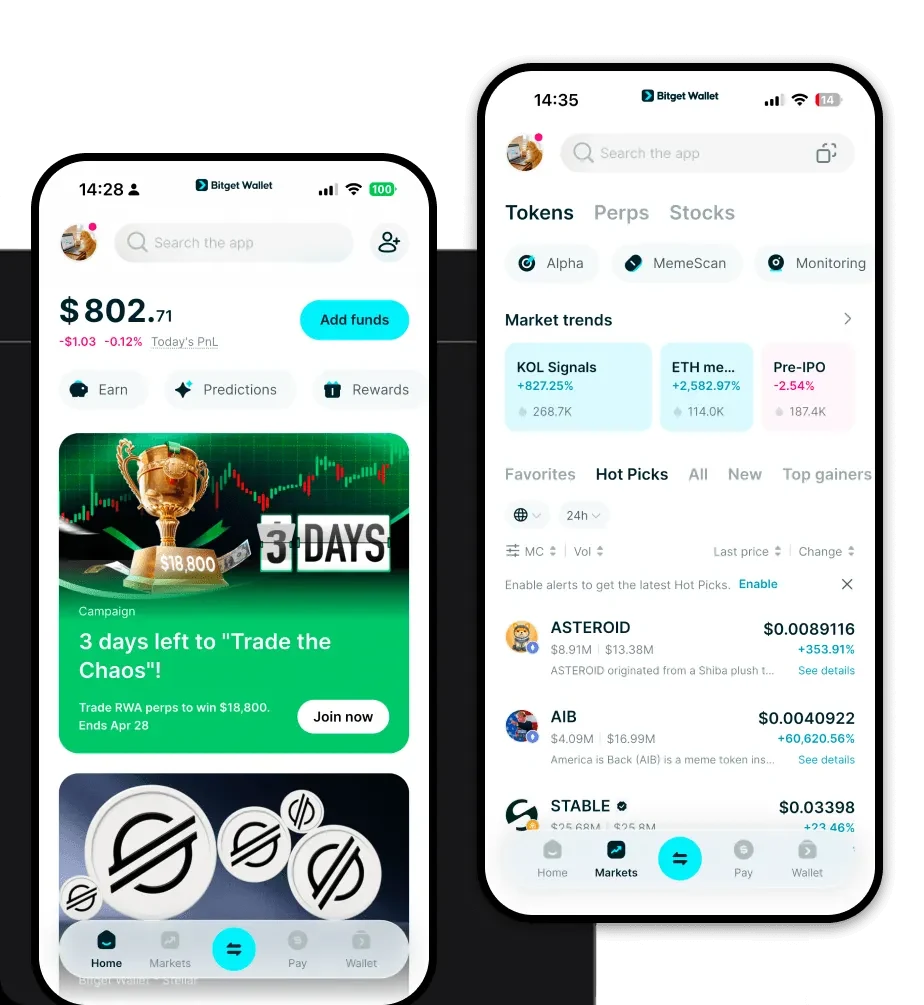
To get your Pwengu wallet address, first install and set up your Bitget Wallet. Once your wallet is created, tap the 'Receive' button on the main dashboard. Search for 'Pwengu' in the token list. Select the correct network (if applicable), and the app will display your unique public wallet address, which you can copy or share to receive tokens.
Can I store Pwengu on Bitget Wallet?
Yes, you can absolutely store Pwengu on Bitget Wallet. The platform supports a vast array of tokens across multiple chains. Simply add Pwengu to your asset list within the app, and you will be able to view your balance, monitor market performance, and manage your holdings alongside your other crypto assets with ease.

Chi siamo
Products

Chi siamo
Products